


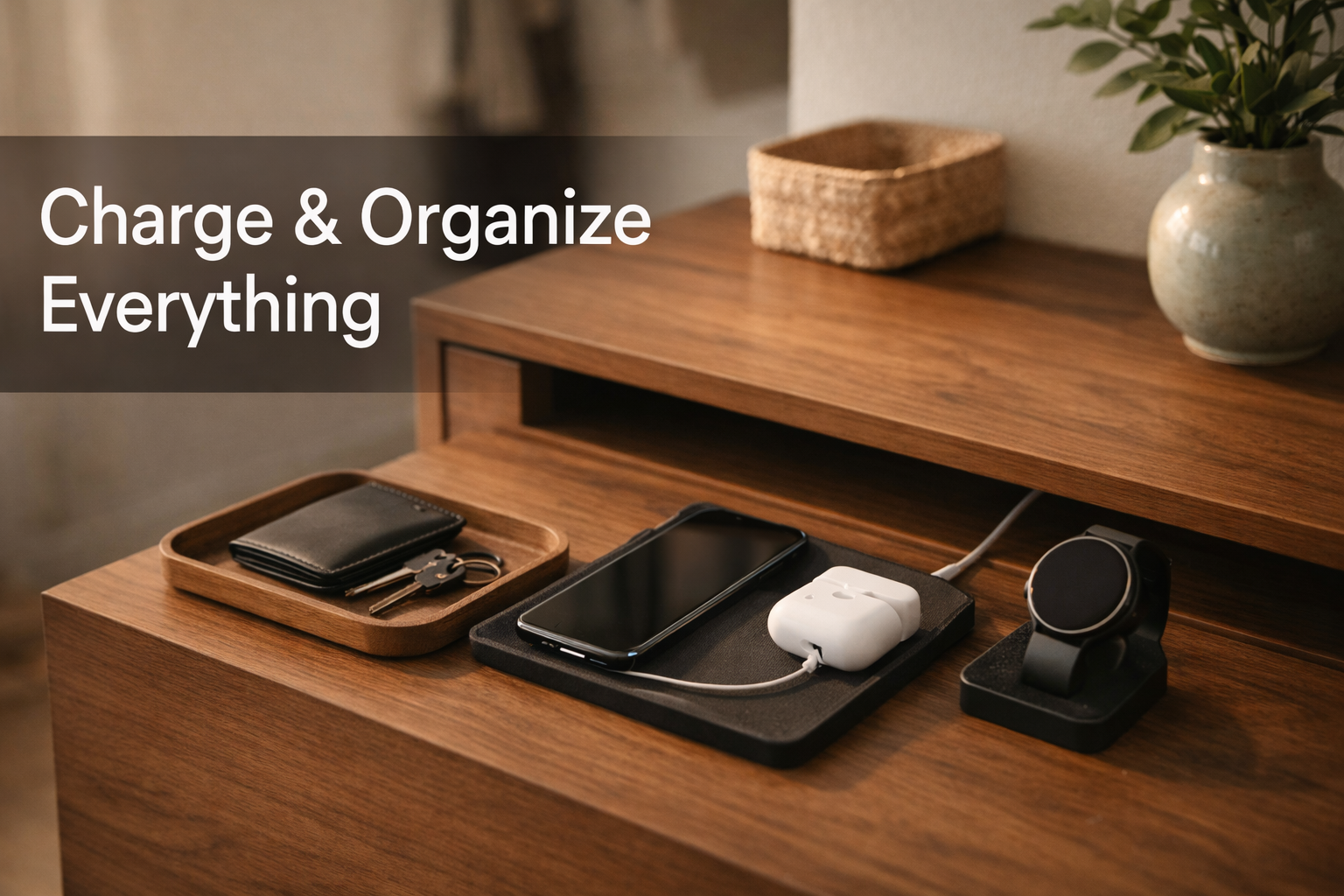
Entryway cabinet choices in 2024 have evolved far beyond simple storage—today’s shoppers face a fast-shifting landscape of smart entryway furniture packed with features, and new challenges. If you want clutter storage, built-in device charging, and seamless home entry organization, there are key trade-offs, price gaps, and setup pitfalls you need to know before you buy. This comprehensive, data-backed guide will help you choose (or install) a modern entryway cabinet that fits real homes and real tech habits.
Key Takeaways
- The smart entryway cabinet market is growing quickly, especially with features like app control, integrated charging, and device organization.
- Common issues include poor Wi-Fi, overheating, cable mess, and complex app setup—especially for Tuya-enabled models.
- Smart entryway cabinets cost 20-40% more than traditional types, but bring major convenience (if you choose the right design and avoid pitfalls).
- 1. The Core Concept: What is a Smart Entryway Cabinet?
- 2. Step-by-Step Guide: How to Choose and Set Up an Entryway Cabinet for Real-World Use
- 3. Advanced Analysis & Common Pitfalls With Entryway Cabinets
- 4. Conclusion: Making Entryway Cabinets Work for You
- 5. Frequently Asked Questions
1. The Core Concept: What is a Smart Entryway Cabinet?
An entryway cabinet is a storage solution placed near your main door, designed to keep shoes, bags, keys, devices, and daily clutter organized. In the past, these were simple wood cabinets or benches—but today, smart entryway cabinets add device charging, lighting, security locks, and app-based controls.
The global entryway furniture market hit $4.8 billion in 2024, with almost 42% of new cabinet systems featuring some type of smart, connected upgrade. A new generation of cabinets is responding to:
- Demand for organized, multipurpose storage right by the door—especially for tech gear.
- A surge in smart-home device adoption, with users needing secure, powered drop zones.
- Desire for app-based controls, automation, and integration with Alexa or Google Home via platforms such as Tuya.
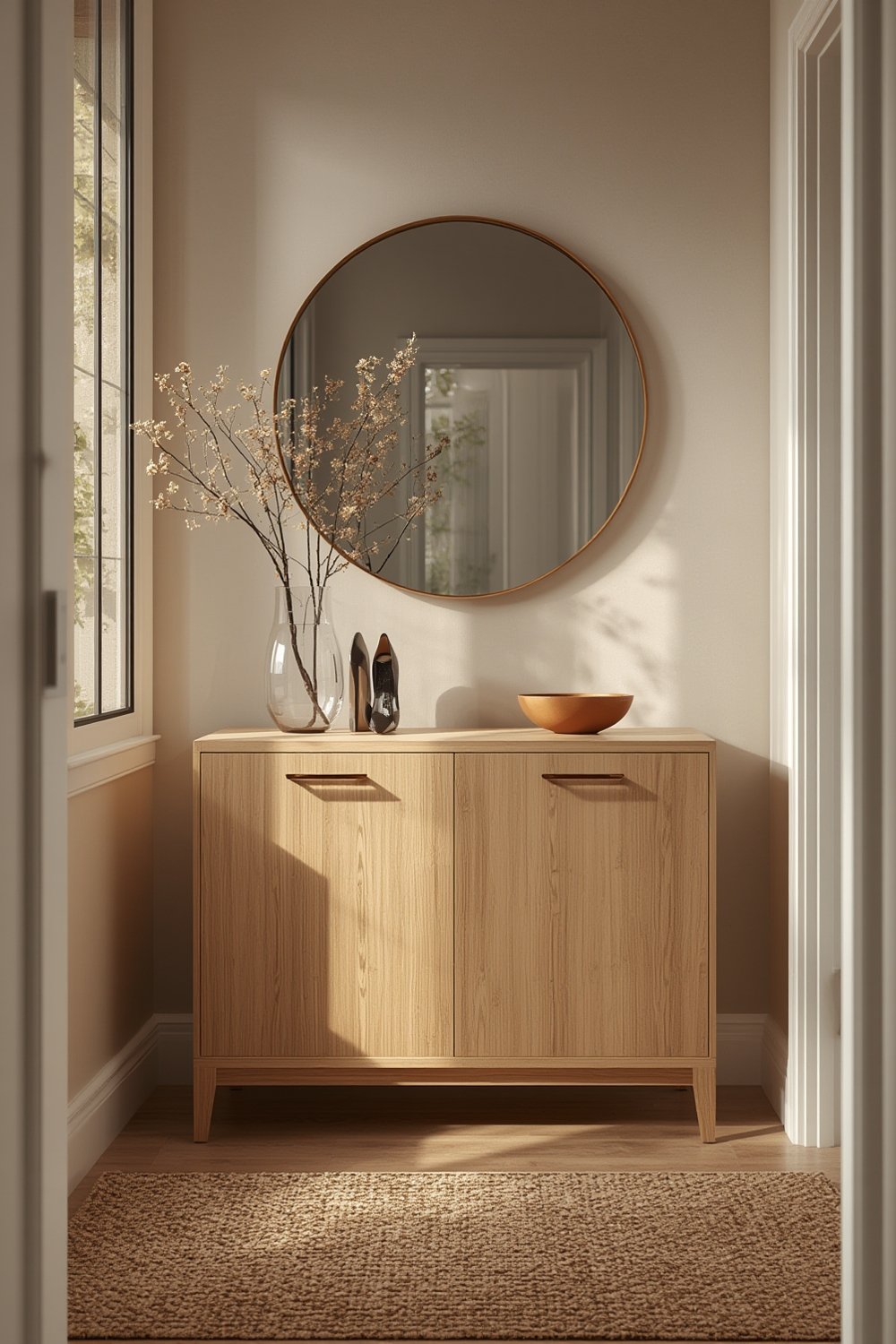
This “hybrid” market crosses traditional cabinet companies, home organization brands, and the fast-growing smart furniture segment. However, not all smart cabinets are created equal. Features like automation, fast charging, and integration often come with price hikes and new installation headaches. Understanding these realities is essential before you shop or install.
2. Step-by-Step Guide: How to Choose and Set Up an Entryway Cabinet for Real-World Use
- Identify Your Primary Needs—Decide if your main entryway pain points are shoe storage, cable chaos, device charging, secure small-item lockers, or simply less clutter.
- Compare Traditional vs. Smart Features:
- Classic wood/laminate offers lower cost, but limited utility with today’s device-heavy entryways.
- Smart cabinets (especially Tuya-based) provide app control, charging, and automation—but cost 20-40% extra (source).
- Check for Practical, Not Just Fancy, Features:
- Look for multiple AC outlets, USB-A/USB-C ports, and easy-to-access charging trays—not just deep drawers or token USBs on the back.
- Adjustable shelving is important if you’ll store routers, mesh Wi-Fi, or large power banks.
- Demand cable channels and ventilation: without these, devices overheat and Wi-Fi drops.
- Ensure App and Hardware Compatibility:
- Tuya app systems work with Alexa and Google, but double-check your home network (many only support 2.4 GHz Wi-Fi).
- Investigate whether all advertised features appear in your smart home ecosystem—not just in the “native” app.
- Plan Installation:
- Measure for a nearby outlet—no entryway cabinet is “wireless” for power.
- For wall-mounting, ensure good anchors and be aware of added weight from electronics.
- Route power/cables before screwing anything to the wall.
- Set Up and Test:
- Follow the Tuya (or other app) instructions carefully. If possible, connect devices near your router first to minimize connection failures, then move the cabinet in place.
- Update firmware immediately for security and reliability.
- Test automation (e.g., does the light turn on when you open the cabinet?), and check app alerts.
- Maintain and Troubleshoot:
- Allow for modular upgrades—look for models where you can swap a failed power strip or replace the smart lock without needing a whole new cabinet.
- Monitor heat in compartments and clean vents at least quarterly.
- If you’re worried about wireless signal drop, try mesh doors or external antennas, which most brands don’t mention upfront.
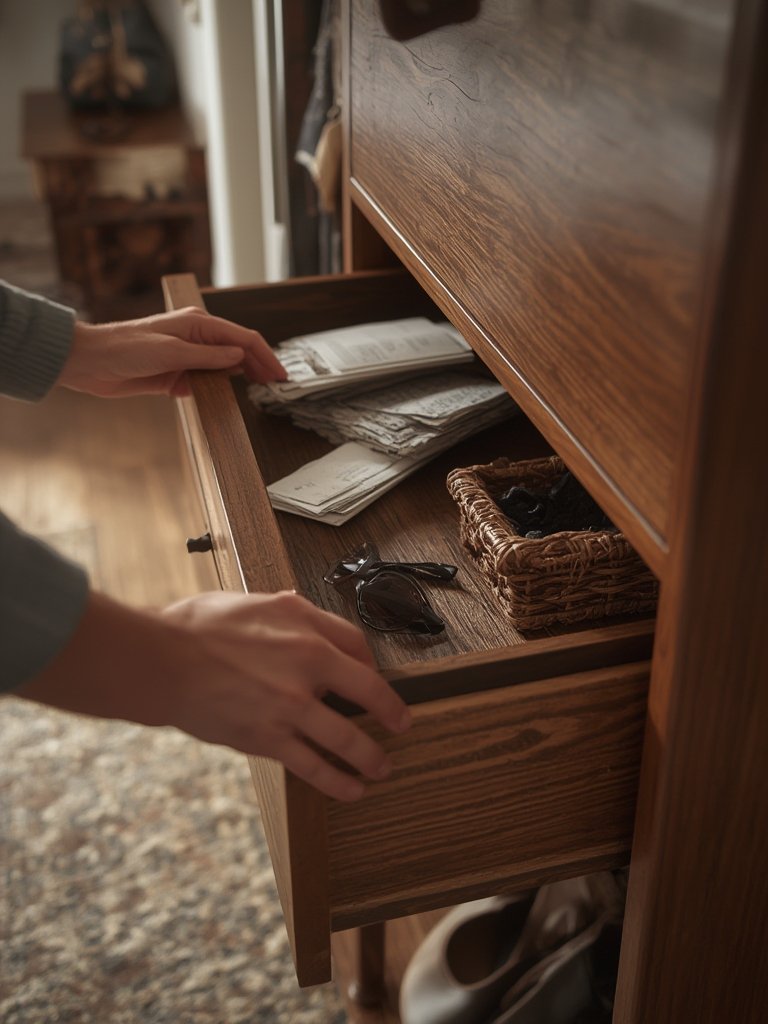
For advanced tips on organizing kitchen tech or integrating smart home gadgets, see our Organized Kitchen and Kitchen Essentials guides.
3. Advanced Analysis & Common Pitfalls With Entryway Cabinets
Even the best entryway cabinet models can create unexpected headaches. Here are the top pitfalls–with evidence from real reviews and industry data.
- Wi-Fi/Bluetooth signal loss: Closed wood or metal boxes can severely weaken router/hub signals. Solution: Prefer cabinets with mesh doors or locate antennas externally.
- Overheating: Multiple chargers and devices in an unventilated cabinet can cause device shutdowns or even fire risk. Always choose models with vent slots and avoid stuffing compartments.
- Poor charging & cable routing: Deep drawers, lack of grommets, or rear-only access mean cords tangle and devices overheat. Look for openable rear panels and clear labeling.
- Inflexible storage: Fixed shelves don’t fit new gadgets. Choose adjustable, modular designs.
- Complex or unreliable app setup: Many Tuya-based units require several failed pairing attempts or confusing “EZ/AP mode” toggling. Be patient, and consult online forums if the included manual is sparse.
| Issue | Traditional Cabinet | Smart Cabinet (Tuya etc.) | How to Avoid |
|---|---|---|---|
| Wi-Fi Blockage | No effect (rarely houses devices) | Routers/hubs lose signal in solid cabinetry | Choose mesh doors, vented panels, place antennas outside |
| Overheating | N/A | Enclosed chargers/devices can overheat | Use cabinets with vent slots or fans |
| Cable Mess | Manual fixes required | Cables tangle without channels/trays | Demand clear cable channels, include stick-on organizers |
| App/Ecosystem Issues | Not applicable | Frequent pairing, firmware, or region bugs | Test with your own app account before mounting; check support forums |
| Cost | $150–$350/linear foot | 20–40% more + $100–$300 for smart features | Compare upfront value vs. features needed |
Many shoppers choose a basic smart entryway cabinet, then realize they need extra airflow, more charging ports, or app help. For designers, consider adding Art Deco furniture elements to get both visual appeal and organizing power.
For safety, always check the charging load limits and don’t attempt “DIY” smart upgrades that bypass built-in cable management or venting.
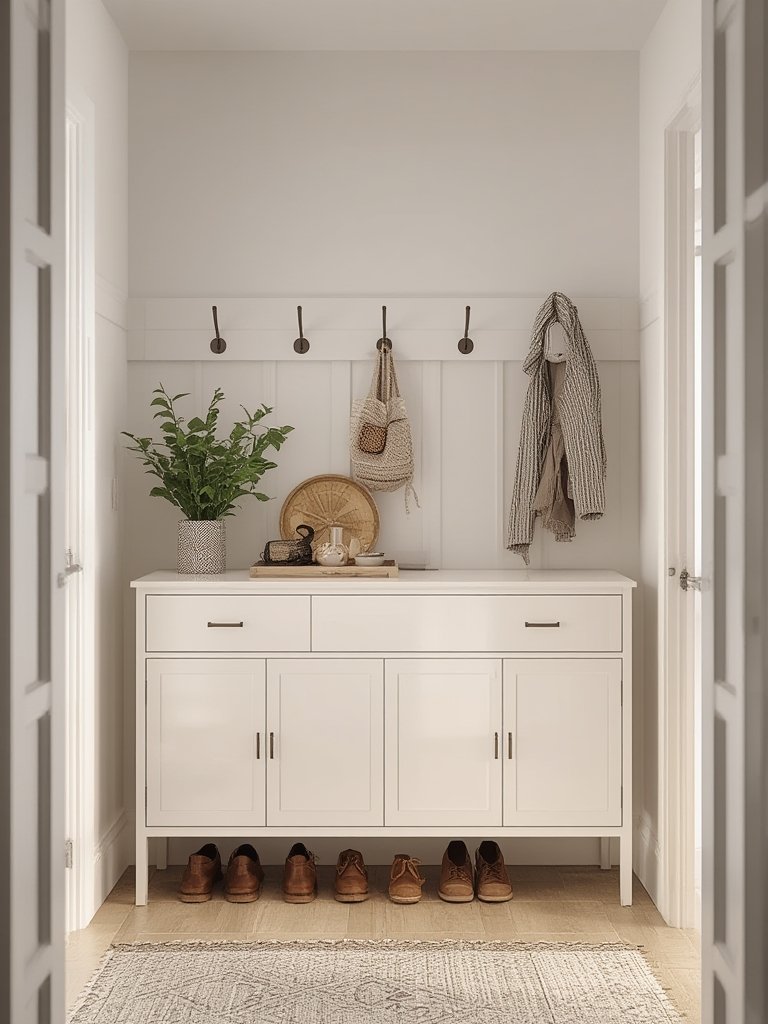
4. Conclusion: Making Entryway Cabinets Work for You
The right entryway cabinet in 2024 combines high-function storage, wireless charging, and smart automation—without creating new headaches. But you must choose carefully. Prioritize vented design, ergonomic device docks, and reliable Tuya (or compatible) app integration. Expect to pay a 20-40% premium for true smart features, but you’ll save daily time and clutter frustration. In summary: take the time to plan your entryway cabinet setup before buying, and you’ll enjoy a clutter-free, tech-ready entry that’s genuinely convenient.
Ready to upgrade? Explore more smart home storage strategies in our Neo Deco Interior Design guide and visit our Lowe’s Home Improvement Store resource to compare real-world product picks.
5. Frequently Asked Questions
Are entryway cabinets with smart features worth the higher cost?
They can be, if you use automation, remote control, or device charging daily. Otherwise, classic cabinets work—but miss out on modern convenience.
What is the biggest mistake when installing a smart entryway cabinet?
Ignoring Wi-Fi signal or ventilation needs. Solid cabinets can block wireless signals and cause overheating if not properly designed or placed.
Do all smart entryway cabinets work with Alexa and Google Home?
Most Tuya-based models do, but not all features transfer (sometimes only basic on-off). Always check integration details in the product specs.
Can I upgrade a traditional entryway cabinet to add smart features?
Some DIYers add smart plugs, locks, or lights—but you still need to manage heat, cables, and Wi-Fi. Purpose-built smart cabinets are safer and easier for most.
Any tips for reducing cable clutter in a busy entryway cabinet?
Use labeled cable channels, dividers, and designate device compartments at standing height. Organize weekly and only keep essentials plugged in.
As an Amazon Associate, I earn from qualifying purchases. If you buy through links on this page, I may receive a small commission at no extra cost to you. This helps support the site and lets me keep creating helpful, free content.