


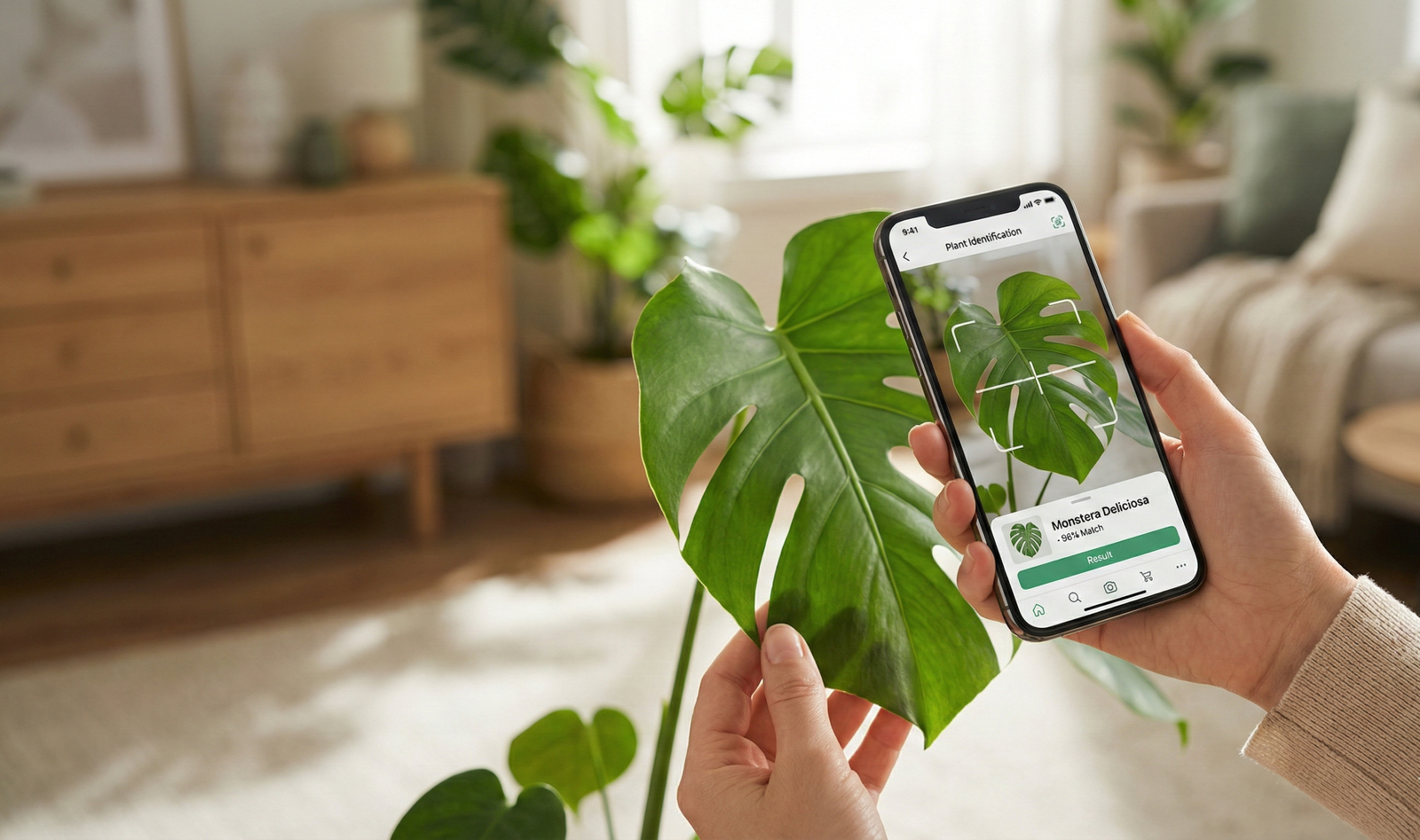
Plant identification app searches are surging as gardeners, homeowners, and hikers look for quick ways to solve “what is this plant?” on the spot. From rapid AI-powered answers to deep crowdsourced expertise, these tools are reshaping how we interact with plants—but their limitations, accuracy, and privacy trade-offs matter more than most users realize.
Key Takeaways
- Most top plant identification apps deliver rapid AI-driven results, but misidentifications remain frequent for rare or similar species.
- Freemium and paid models dominate, with privacy concessions required for advanced features—users should review permissions carefully before uploading photos.
- New tech like AR overlays and smart home syncing are poised to become the next big leap, though widely requested features still aren’t standard today.
- What Is a Plant Identification App and Why Does It Matter?
- How to Use a Plant Identification App: The Step-by-Step Guide
- Advanced Analysis & Common Pitfalls
- Conclusion
- FAQ
What Is a Plant Identification App and Why Does It Matter?
Plant identification apps use either artificial intelligence or community expertise to help you recognize species instantly from a photo. They have exploded in popularity with over 50 million downloads by 2024, helping everyone from home gardeners to field ecologists figure out what’s growing in front of them.
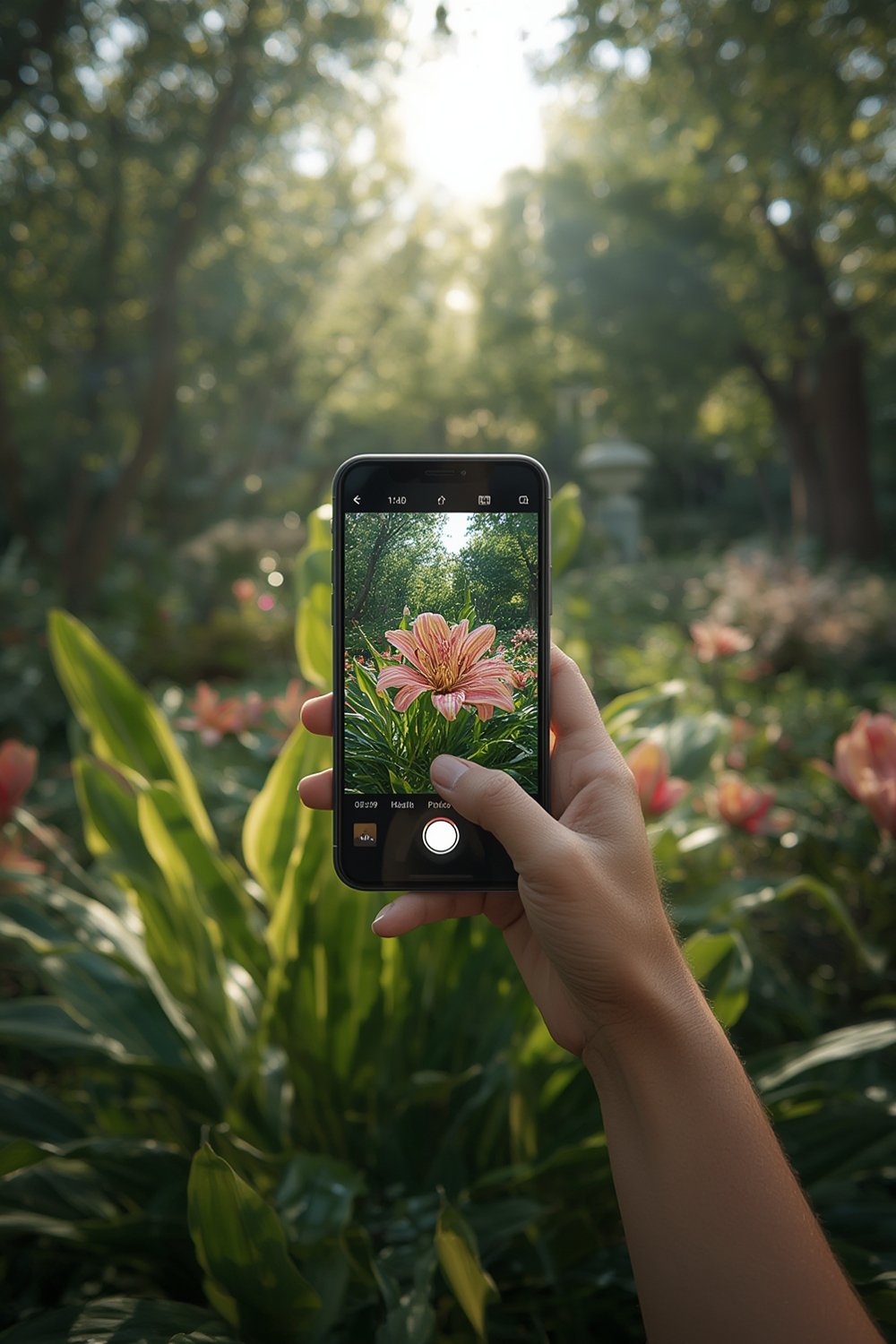
Modern plant identification apps fall into two main categories:
- AI-driven apps like PlantNet and PictureThis. These use computer vision and machine learning to match your photo with huge plant image databases and spit out an answer within seconds.
- Community-powered apps such as iNaturalist. These crowdsource plant IDs from expert volunteers and scientists, often trading speed for far richer background info and accuracy, especially for rare species and ecological data.
The global market for these apps nearly doubled from 2021 to 2024 and is on track to surpass USD 250 million by 2030.
Smartphone camera quality, AI progress, and a spike in interest in gardening and outdoor recreation are fueling demand [source].
Through quick plant ID, these apps empower everyone to deepen their relationship with the natural world, monitor their yards, and even contribute to global biodiversity databases. You’ll find them invaluable for garden design, hiking, farming, and landscaping—see ideas in our landscaping services guide.
How to Use a Plant Identification App: The Step-by-Step Guide
-
Choose the right app for your needs.
- Want speed and everyday IDs? Try AI-powered apps like PlantNet, PictureThis, or LeafSnap.
- Want expert-verified answers or rare species? Go with community platforms like iNaturalist.
-
Download and install.
- Check permissions. Most require camera, storage, and often geolocation (for habitat context)—always review what you’re sharing.
-
Take a clear, detailed photo.
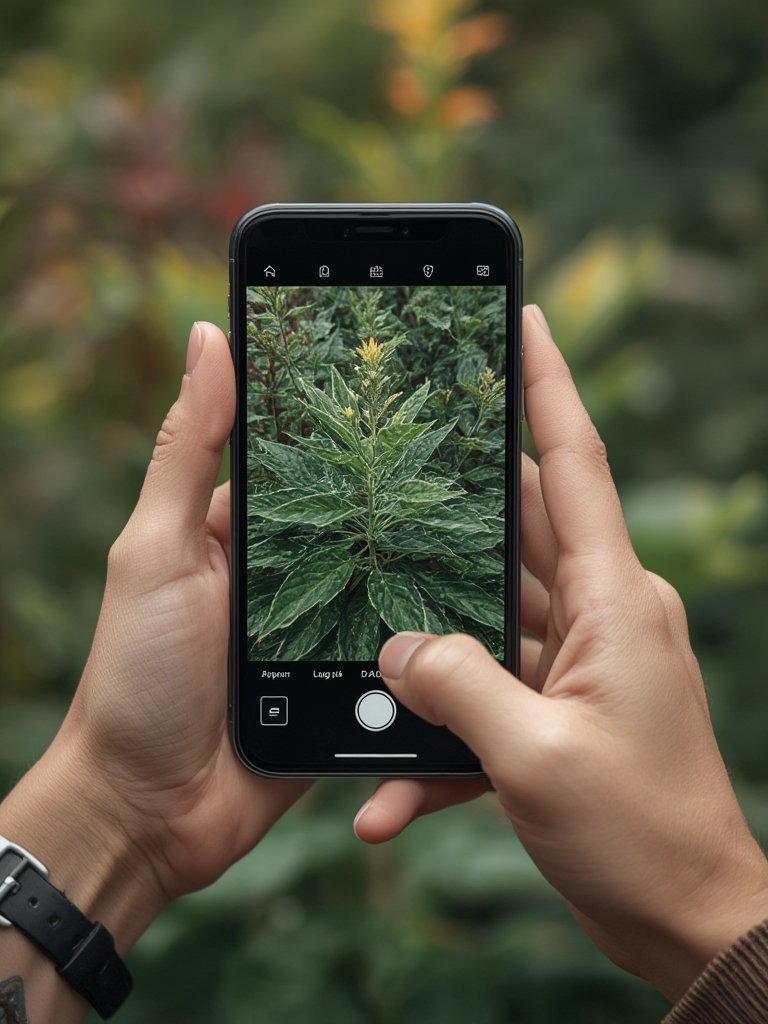
- Shoot leaves, flowers, fruit, and bark if possible. Better images boost accuracy.
-
Upload and analyze.
- AI apps match your photo to known species, delivering top candidates in seconds.
- Community apps let you upload an “observation”—real people may propose, debate, and confirm an ID, sometimes taking hours to days.
-
Verify and explore care tips.
- Review app confidence ratings and browse care guides—most premium plans offer watering, pruning, and health advice.
-
Save, export, or share your findings.
- Build your own plant journal, or contribute to citizen science (e.g., iNaturalist) to support biodiversity research.
Integrating plant ID apps into your daily routine can make indoor gardening and maintenance less intimidating. See how tech-enabled gardens are changing the game in our indoor hydroponic system tips. If you’re rethinking your décor, check out how faux and live plants can both create a lush look in our artificial olive tree review.
Advanced Analysis & Common Pitfalls
Despite their promise, even the best plant identification apps aren’t flawless—and most negative reviews revolve around a few core issues.
Common Pitfalls
- Misidentification risk: Especially for rare or lookalike species. Accuracy rates drop sharply outside common houseplants or trees.
- Privacy trade-offs: Apps request photo and location data; some paid apps harvest more info, raising concerns cited by privacy advocates [source].
- Paywall frustration: Over 62% of downloads are for paid apps, and advanced features (unlimited scans, care journals) nearly always require premium plans [source].
- Feature gaps: No mainstream app reliably delivers real-time AR overlays or syncs with smart home watering robots yet—users are asking for these upgrades [source].
- Lack of unique value: With so many similar apps, it’s hard for most to stand out; negative reviews often cite a “same as all the others” experience.
App Speed, Accuracy, and Information Depth Comparison
| App | Identification Speed | Accuracy (Independent Study) | Depth of Info | Pricing Model |
|---|---|---|---|---|
| LeafSnap | Instant (AI) | 86.9% | Basic data | Freemium/Paid |
| Pl@ntNet | Instant (AI) | 86.5% | Moderate | Free |
| PictureThis | Instant (AI) | N/A | High (care guides, journals) | Freemium/Paid |
| iNaturalist | Slow (community review) | 65.6% | Very deep (scientific/crowdsourced) | Free |
| PlantSnap | Instant (AI) | N/A | Moderate | Freemium/Paid |
Keep in mind, accuracy numbers above are from independent academic testing [source].
Data privacy is routinely flagged by experts as a serious concern—not only for personal info but also for the ecological impact of uploading geotagged species locations. Always review permission requests, especially for apps that want background location access.
Looking for optimized on-the-go identification for your morning walks? See our practical advice for outdoor upgrades in smart home guides and pet-friendly household tech.

Conclusion
Plant identification apps have turned a once-expert-only hobby into an everyday tool for all. But while AI delivers blisteringly fast results for common plants, accuracy and privacy risks still exist—especially for rare species or when sharing personal data is required.
Before you pay for premium, know what you’re getting: most extra features revolve around care advice, journals, and removing ads. The next generation of apps will likely bring real-time AR and better smart-home integration—watch this space for updates.
Ready to turn every walk or gardening weekend into a learning adventure? Download a plant identification app and start exploring now. And if you want to learn more about integrating plants and tech into a beautiful space, explore our tips on art deco furniture or kitchen essentials for the modern home.
FAQ
Are plant identification apps really accurate?
For common plants, the best AI apps approach 87% accuracy, but rare, hybrid, and visually similar species are still frequently misidentified. Community-based apps, while slower, can often provide more reliable results for difficult cases.
Are plant identification apps free to use?
Most offer free versions with limited scans or basic features. If you want unlimited IDs, detailed care guides, or ad-free use, expect to pay a subscription or one-time upgrade fee.
Is my location shared when using these apps?
Yes, many apps collect geolocation metadata to improve identification or contribute to global plant databases. Always review the app’s privacy policy before uploading photos.
Which plant identification app is best for rare species?
Community-driven platforms like iNaturalist excel for rare or tricky plants, as they tap expert and crowd wisdom. For speed and convenience, LeafSnap and PlantNet are popular for everyday IDs but may struggle with less-common flora.
What features are missing from most top plant ID apps?
Most apps still lack real-time AR overlays, advanced smart home syncing, and perfect identification for rare or similar species. Users often request these features, but they’re not broadly available yet.